Pick an age from 10 to 75+ and see which kinds of exercise matter most at that stage of life, and the specific exercises to start with.
- Shipped
- Built with
- antigravity, carbon
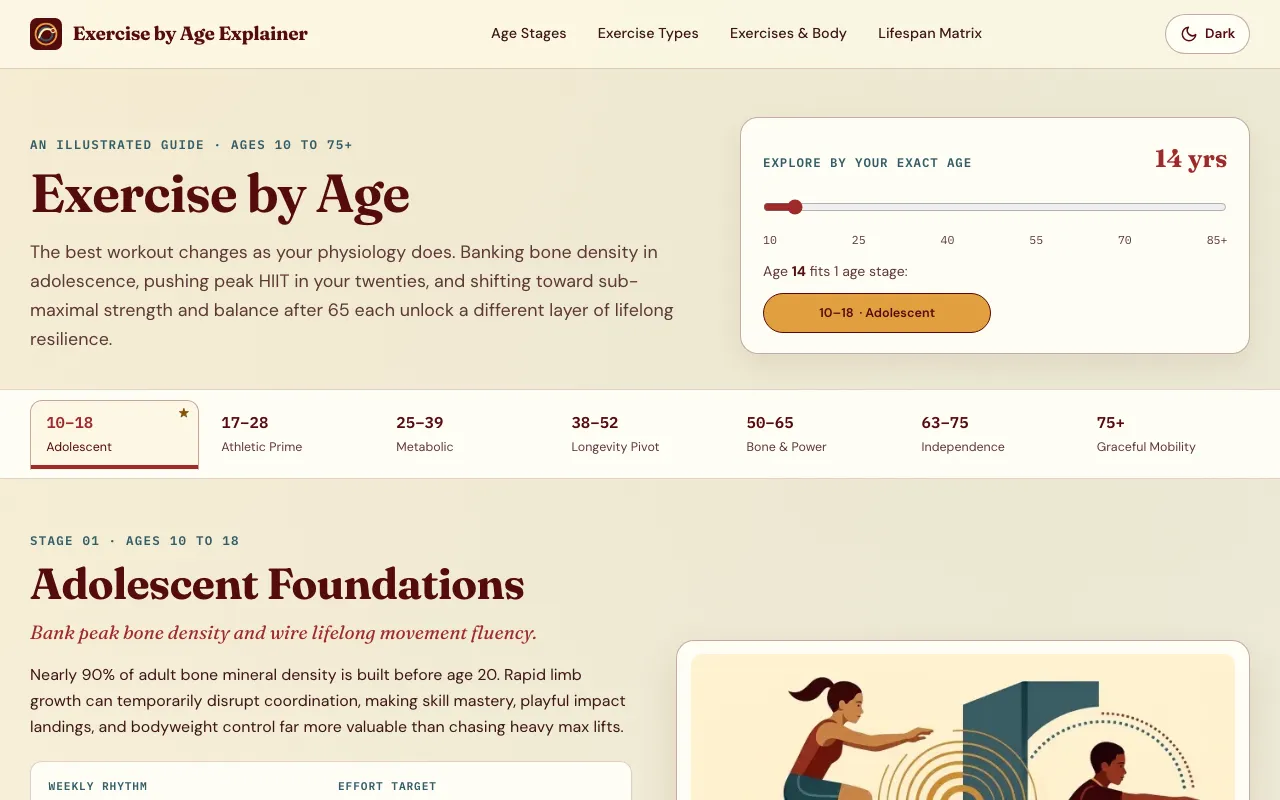
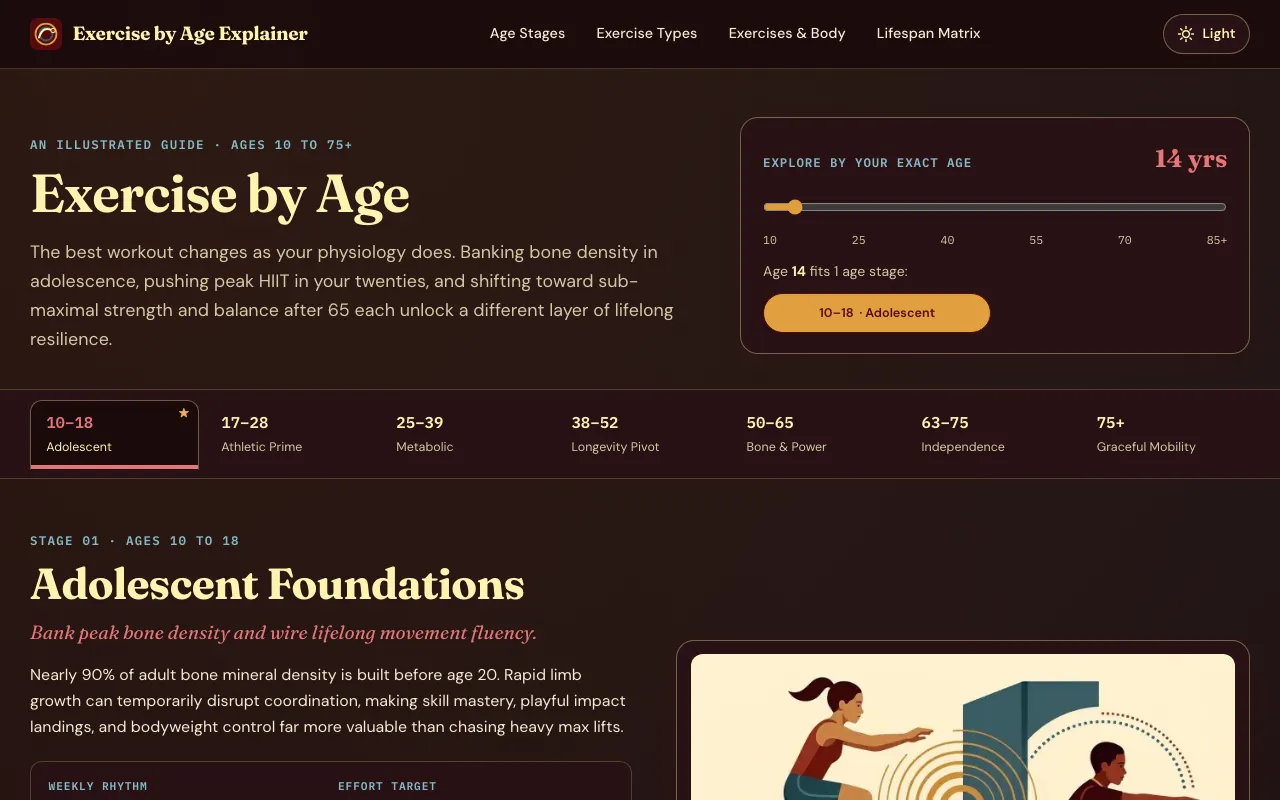
The best workout changes as your body does. A teenager should be banking bone density and learning to move well, someone in their twenties can push hard intervals and heavy lifts, and someone past 65 gets more from sub-maximal strength work and balance training than from chasing a one-rep max. I wanted one place that lays that out across a whole lifetime.
The explainer splits life into seven age stages, from 10–18 up to 75+. The stages overlap on purpose, because nobody changes overnight on a birthday. Drag the age slider or pick a stage to see:
- which of six kinds of exercise matter most at that age: strength, power, HIIT, Zone 2 aerobic work, balance, and mobility
- six specific exercises for the stage, each with a walkthrough of the movement and a body diagram showing what it works: muscles, bones, heart and lungs, balance, or joints
- a lifespan matrix comparing how each kind of exercise rises and falls in priority across all seven stages
It’s an explainer, not medical advice.
How it was built
I built it in a day, on 21 November 2026, with Antigravity and the Carbon model. I started with a five-color palette and asked for the age groups first, then the kinds of exercise, then the specific exercises, and only then the site. Working through the content before any design kept the data solid: there are 42 exercises across the seven stages, each with its benefits and easier or harder variations.
It’s plain HTML, CSS and JavaScript with no build step and no dependencies, deployed to Cloudflare Pages. It has light and dark modes built from the same palette.
What I learned
Overlapping age stages are more honest than hard cutoffs, but they cost something in the interface. At ages that fall in two stages, the slider shows a second label, and that first version made the whole page jump. The fix was to reserve the space up front.
I also skipped a framework. I don’t expect to change this project much, so plain HTML, CSS and JavaScript was simpler than Astro and is just as easy to host.
Prompts
1. The seed prompt
I’d like to create a beautifully designed website using these CSS colors:
--dark-slate-grey: #335c67ff;
--vanilla-custard: #fff3b0ff;
--honey-bronze: #e09f3eff;
--brown-red: #9e2a2bff;
--night-bordeaux: #540b0eff;
The website should allow you to see by age group what types of exercises and then specifically what exercises are useful for you specifically for that age. For example, people who are 65+ benefit from certain types of strength training (not necessarily 1 rep max) and balance exercises, while people in their late teens and early 20s who are training as athletes can benefit from high intensity HIIT, which would be less appropriate for the elderly group. First let’s figure out maybe 6-7 groups, they can overlap a bit that’s okay, and then the types of exercises, then what specific exercises to slot in. Then I’d like to pull it all together in a static website that allows you to choose a group and then some beautiful visuals that walk through the exercises and how they improve your body. If anything in here is unclear just ask me but I’d like to pull together a static site I can deploy on Cloudflare Pages or something like that.
This set the palette and the order of work: age groups first, then the kinds of exercise, then the specific exercises, and the site last.
2. Answering the clarifying questions
Adolescent Foundations can start earlier I think at 10, otherwise this looks good on 1. For 2 I would love a blend to keep it fun and interactive. Yes, 3 (color polarity so there’s light and dark modes). For 4, whatever is easier, if it’s better to do Astro that’s fine but I don’t plan on changing this project a lot so if we can just build directly in HTML/CSS/JS that works for me. Let’s begin!
Antigravity came back with proposed age groups and four questions. This answer moved the youngest stage down to 10, asked for light and dark modes, and chose plain HTML, CSS and JavaScript over a framework.
3. Fixing the jump and the name
A couple of tweaks: the slider causes the entire page to jump when a new second label appears like the “38-52” one when there’s an overlapping age, can we fix that so the page isn’t jumping. Let’s remove “VitalAtlas” branding, I just want this to be a straightforward “Exercise by Age Explainer”. Let’s change “How Movement Evolves Across a Lifetime” to “Exercise by Age”.
Overlapping stages meant some ages matched two of them, and the second label shifted the layout. This turn also dropped the invented brand name for a plain title.
4. Shipping it
This looks good as a first cut, how do I deploy this either to Cloudflare pages or elsewhere?
The first cut was good enough to ship. There’s no build step, so it deploys to Cloudflare Pages as a plain folder of static files.